
Customer Value
How to Get More Google Reviews for a Rental Business: A Practical Review Request System
A rental company gets more Google reviews by asking real customers, asking shortly after a successful rental, making the review link easy to use, automating the request where possible, sending one reasonable reminder, responding to what comes in, and never gating or filtering who gets asked.
None of this is complicated, which is exactly why it's easy to skip. The companies that build it into a normal step of finishing a job end up with a steady flow of reviews. The ones that wait for staff to remember end up with a handful of five-star reviews from 2022 and not much since.
Why Google Reviews Matter for Rental Companies
Reviews give a potential customer a reason to trust a company they've never used before, and they add credibility to a Google Business Profile that influences how it shows up in local search. A rental customer comparing two similar-looking companies in the map pack is making a decision that often comes down to review count and rating.
Reviews are one part of local SEO, not the only one — a complete Business Profile, service-area content, and consistent business information all matter too. What reviews specifically add is trust: proof that real people had a real, good experience.
When Should a Rental Company Ask for a Review?
Timing matters because the experience is still fresh. Good moments to ask include:
- Shortly after pickup or job completion
- After a successful event wraps up
- After a completed delivery or service call
- Right after a customer expresses satisfaction on a call or in person
- After a repeat rental, when the relationship is already established
Waiting six months to ask for a review is a great way to make the customer wonder who you are. By then, the dumpster is long gone and so is the memory of how smoothly it showed up.
Who Should You Ask for Reviews?
Ask real customers, consistently and neutrally — not a hand-picked subset. That means not only asking customers who say they're happy, not filtering anyone based on an expected rating, and not hiding the review link from a customer who seemed less enthusiastic.
A consistent ask also produces a more honest, more credible set of reviews over time, which holds up better than a curated one if anyone — a customer or a platform — ever looks closely.
How to Ask for a Google Review
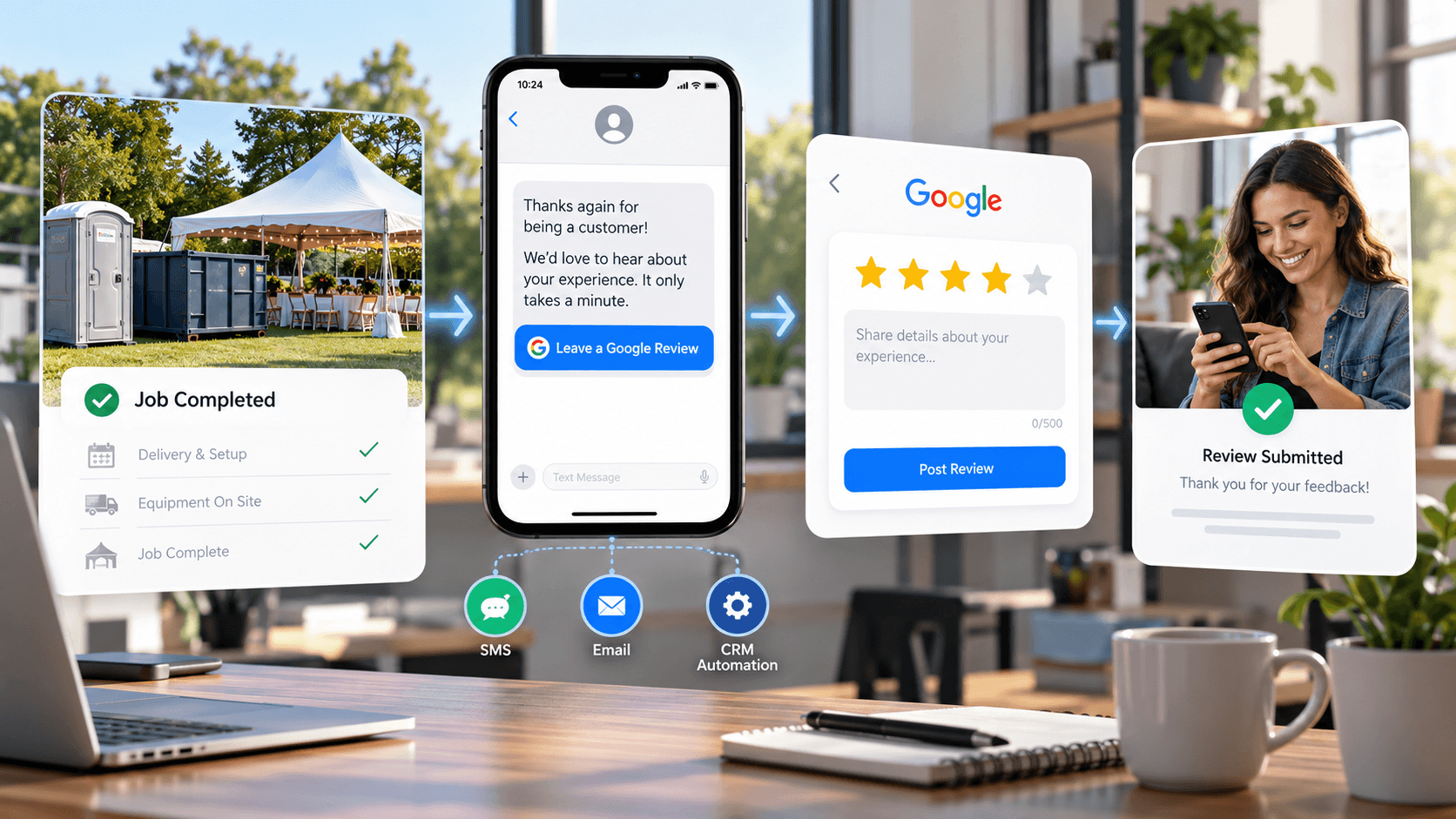
Keep the message short, say thank you, ask directly, include one direct review link, and stop there. No lengthy explanation of why reviews matter, no guilt trip, no pressure — just a clear, low-effort ask.
Text message example
"Thanks for choosing [Company] for your rental! If you have a minute, we'd really appreciate a quick Google review: [link]."
Email example
"Hi [Name], thanks again for renting with [Company]. If everything went well, a quick Google review would mean a lot to our small team: [link]. Thanks for considering it."
Post-rental follow-up example
"Hope the [dumpster/unit/trailer] worked out well. If you have 30 seconds, we'd appreciate a review here: [link]. Let us know if you need anything else."
These are meant as starting points, not scripts to use word-for-word — the right version sounds like the company sending it, adapted to the rental category and the relationship with that specific customer.
Text vs. Email: Which Works Better for Review Requests?
Text
Fast, immediate, and easy to tap straight into the review form — a natural fit right after a job is completed.
More room to say thank you, easier to attach to an invoice or receipt, and often a better fit for commercial accounts that communicate primarily by email.
Neither one is categorically better. The more reliable approach is using whichever channel the customer already communicates through — a construction account that only emails isn't going to respond better to a text, and a same-day event customer may never see an email at all.
Use a Direct Google Review Link
The link in a review request should take the customer as close as possible to the review form itself, not to the general Business Profile where they then have to go hunting for where to leave feedback. Every extra step is a chance for someone with good intentions to get distracted and never finish.
Most Google Business Profile dashboards provide a direct, shareable review link for exactly this purpose — it's worth finding once and reusing everywhere, rather than sending a different, longer path each time.
Should Review Requests Be Automated?
Yes, when it's done carefully. A few examples of automation that works well:
- A completed rental status automatically triggers a review request
- A completed job in the system fires off an SMS or email
- A repeat customer gets a request appropriate to their history, not a duplicate of the last one
- A reminder goes out automatically after a reasonable delay if no review has landed
Automation works best when it still feels human — a short, specific message beats a long, obviously templated one. This is where CRM and Digital Infrastructure come in: the trigger has to connect to something that actually knows when a job finished.
How Many Times Should You Ask?
An initial request, followed by one polite reminder if the customer hasn't responded after a reasonable window, is enough. If there's still no response after that, it's time to stop — not escalate.
If your review strategy is "hope they remember," that isn't really a strategy. But repeatedly pestering a customer who hasn't responded isn't a strategy either — it's a good way to turn a neutral non-response into an annoyed one.
How to Handle Negative Reviews
Respond calmly, acknowledge the issue without getting defensive, and avoid turning the reply into a public argument. Take specifics offline when there's a real conversation to have — a phone number or email in the response is usually enough.
If the review points to a genuine operational problem, fix it. A professional, measured response often matters almost as much to future customers as the review itself — it shows how the company handles things going wrong, not just when they go right.
How to Respond to Positive Reviews
Thank the customer, personalize the response where there's something specific to reference, and avoid pasting the same canned reply under every review. A brief, specific "thanks for the kind words about the delivery crew" reads as genuine in a way a repeated stock sentence doesn't.
Keep it short, and resist the urge to stuff service keywords into every reply — it reads as unnatural to customers and doesn't need to carry SEO weight on its own.
Avoid Review Gating
Review gating is routing customers differently based on how happy they seem before they leave a public review — sending happy customers straight to Google while quietly directing anyone else to a private feedback form instead. Most review platforms treat this as a policy violation, and it tends to produce a review profile that doesn't hold up to scrutiny.
The straightforward version — ask everyone the same way, let the review land wherever it lands — is also simply more honest, and it's the version worth building a system around.
Use Your CRM to Track Review Status
A handful of fields turn review requests from something a team tries to remember into something the system tracks on its own:
- Review requested (yes/no)
- Request date
- Review completed (yes/no)
- Platform
- Reminder sent
- Last review request
- Customer type
- Completed rental date
This is the same idea covered in our guide on tracking customer history in a rental business — review status is just one more field in that same central record, not a separate system to maintain on its own.
Build Reviews Into the Customer Lifecycle
A clean operational flow looks like this: lead, quote, rental, completion, review request, review, referral, repeat business. Each step feeds the next, and a review request that fires automatically at completion is what keeps the chain from depending on someone remembering to do it manually.
This is the core idea behind Customer Value Systems — treating the relationship after the sale as seriously as the lead that started it.
How Reviews Support Local SEO
Reviews connect directly to a company's Google Business Profile, add to the trust signals that support local search visibility, and help establish that a business is legitimate and actively serving customers.
Reviews alone won't rank a company — they work alongside the Business Profile, service-area content, and site structure covered in our guides on portable toilet SEO and dumpster rental SEO. A strong review profile attached to a thin or inactive website still won't carry the whole job.
What Should a Rental Company Do First?
A practical starting checklist:
- Create a direct Google review link
- Decide the right trigger point — pickup, delivery, event completion
- Write one short SMS and one short email request
- Add review status fields to the CRM
- Automate the initial request
- Add one reminder, and only one
- Respond to every legitimate review
- Monitor negative reviews for recurring operational issues
- Keep asking consistently, for every customer
The Bottom Line
A strong review system isn't complicated. The goal is to make asking for a review a normal, automatic part of finishing a rental — not something that depends on a busy owner remembering after everything else gets done.
That's the same thinking behind Customer Value Systems more broadly: the relationship doesn't end when the rental does, and growing without spending more on ads often starts with getting more out of the customers a company already has.
Frequently Asked Questions
How do rental companies get more Google reviews?
By asking real customers consistently, asking shortly after a successful rental, using a direct review link, automating the request where possible, sending one reminder if needed, and responding to reviews that come in. No single tactic replaces a consistent system.
When should a rental company ask for a review?
As close to the completed rental as possible — right after pickup, delivery, or event completion, while the experience is still fresh. Waiting weeks or months significantly reduces the odds a customer follows through.
Can rental companies automate Google review requests?
Yes. A completed rental or job status can trigger an SMS or email request automatically, with an optional reminder after a reasonable delay if no review has been left. Automation works best when the message still feels short and human, not like an obvious template.
Should a rental company ask every customer for a review?
Yes — asking should be consistent and neutral, not limited to customers who seem happiest. Filtering who gets asked based on expected rating is review gating, which most platforms prohibit and which produces a less credible review profile overall.
How many times should a business ask a customer for a review?
An initial request plus one polite reminder is a reasonable standard. Beyond that, repeated outreach tends to annoy customers rather than convert them, and it isn't necessary for a healthy, steady flow of reviews.
Do Google reviews help rental companies rank in local search?
Reviews are one factor that supports local search visibility and trust, particularly in the map pack, but they work alongside a complete Google Business Profile and genuine website content — not as a replacement for either one.
Related Resources
Customer Value
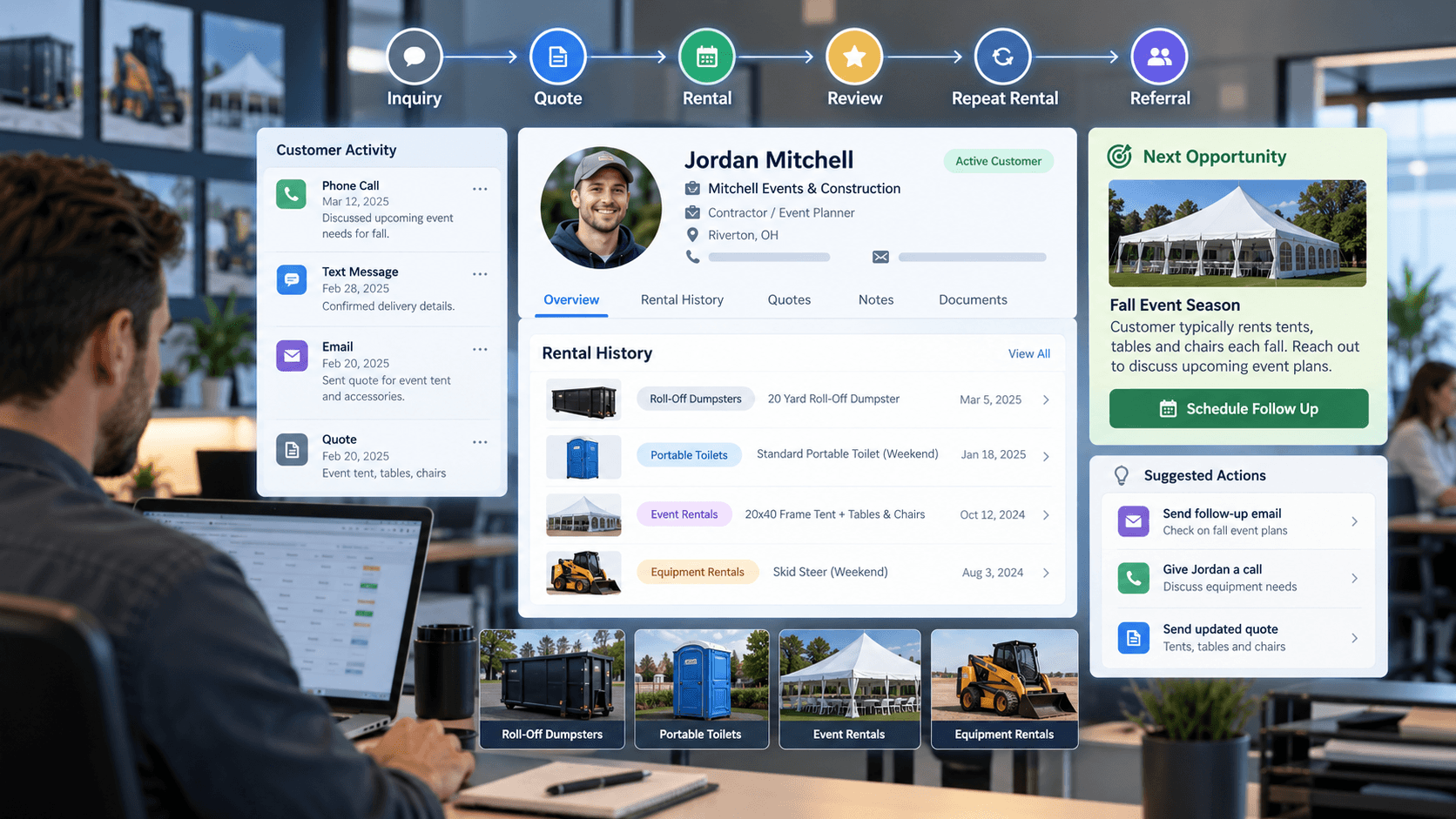
How to Track Customer History in a Rental Business (and Actually Use It to Grow)
A practical way to track customer history — and the follow-up, reactivation, and repeat-business system that actually puts it to use.
Customer Value
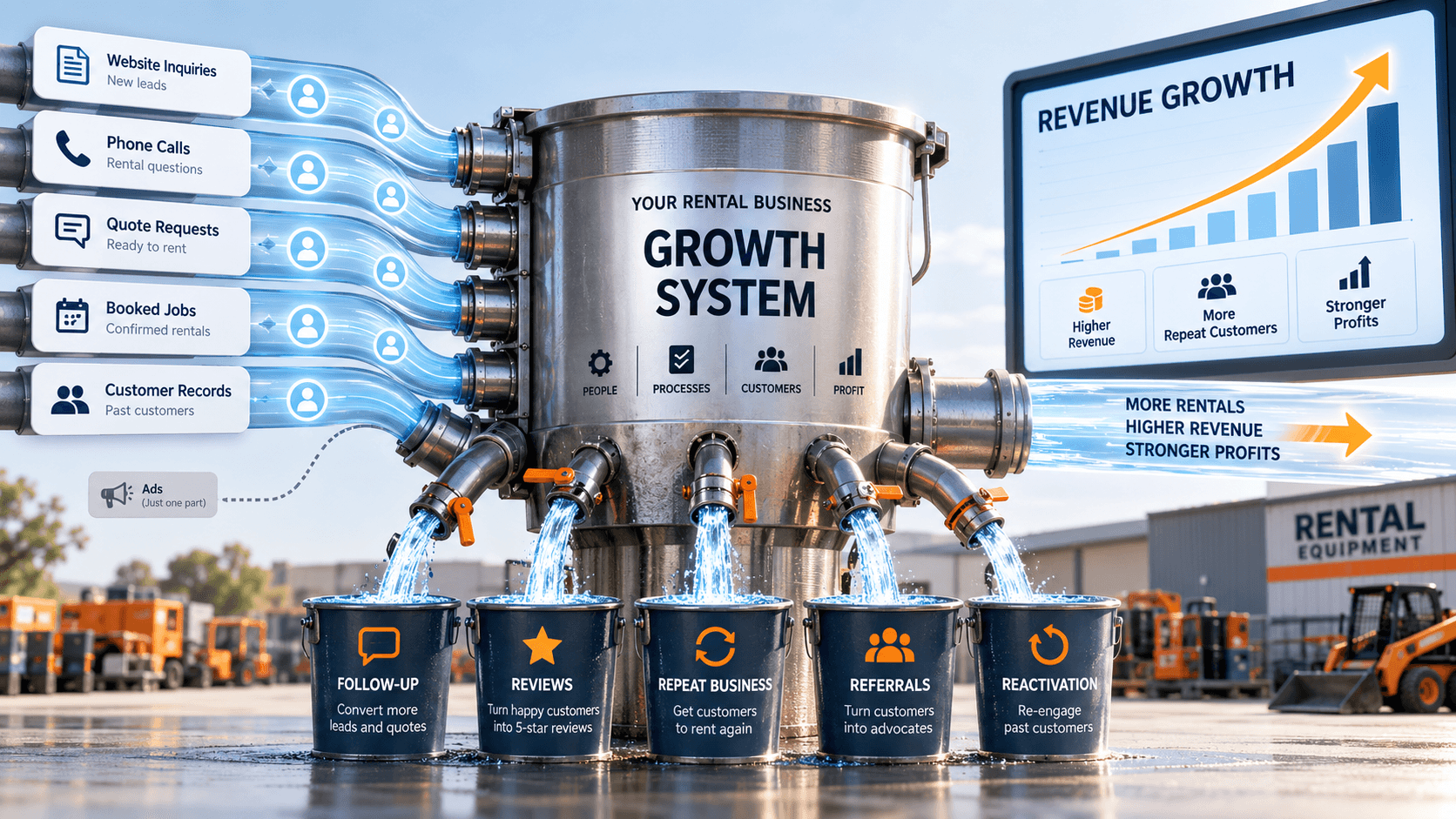
How to Grow a Rental Business Without Spending More on Ads
More ad spend isn't always the answer — here's how rental companies create growth from the leads and customers they already have.
Digital Infrastructure
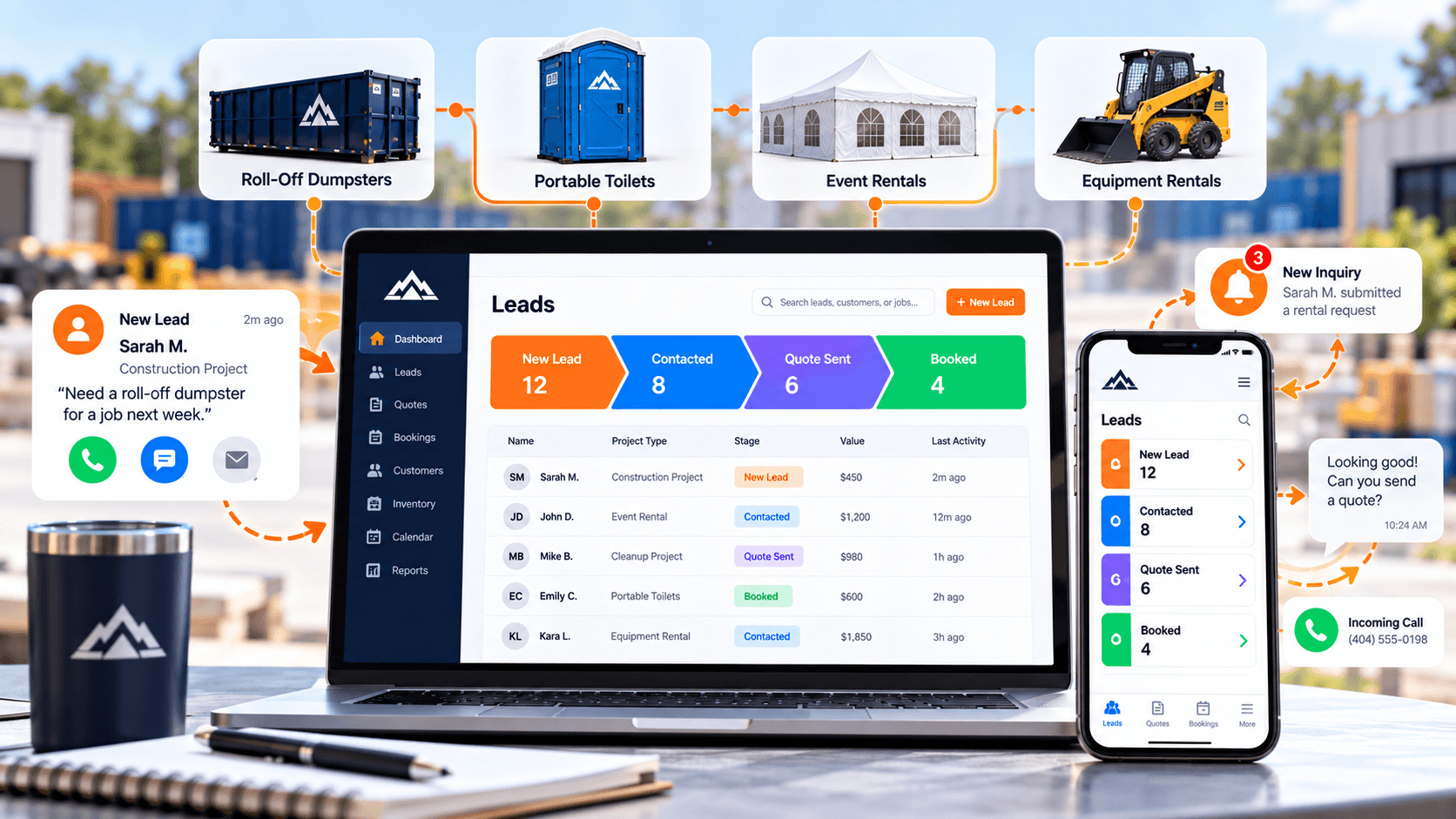
What CRM Should a Rental Company Use? A Practical Guide to Leads, Quotes, Follow-Up, and Repeat Business
What a CRM actually needs to do for a rental company — lead capture, pipeline visibility, follow-up automation, and reactivation — not which brand to buy.